This site uses cookies for better user experience and analytics.
Assembly Instructions
Follow the steps below to install
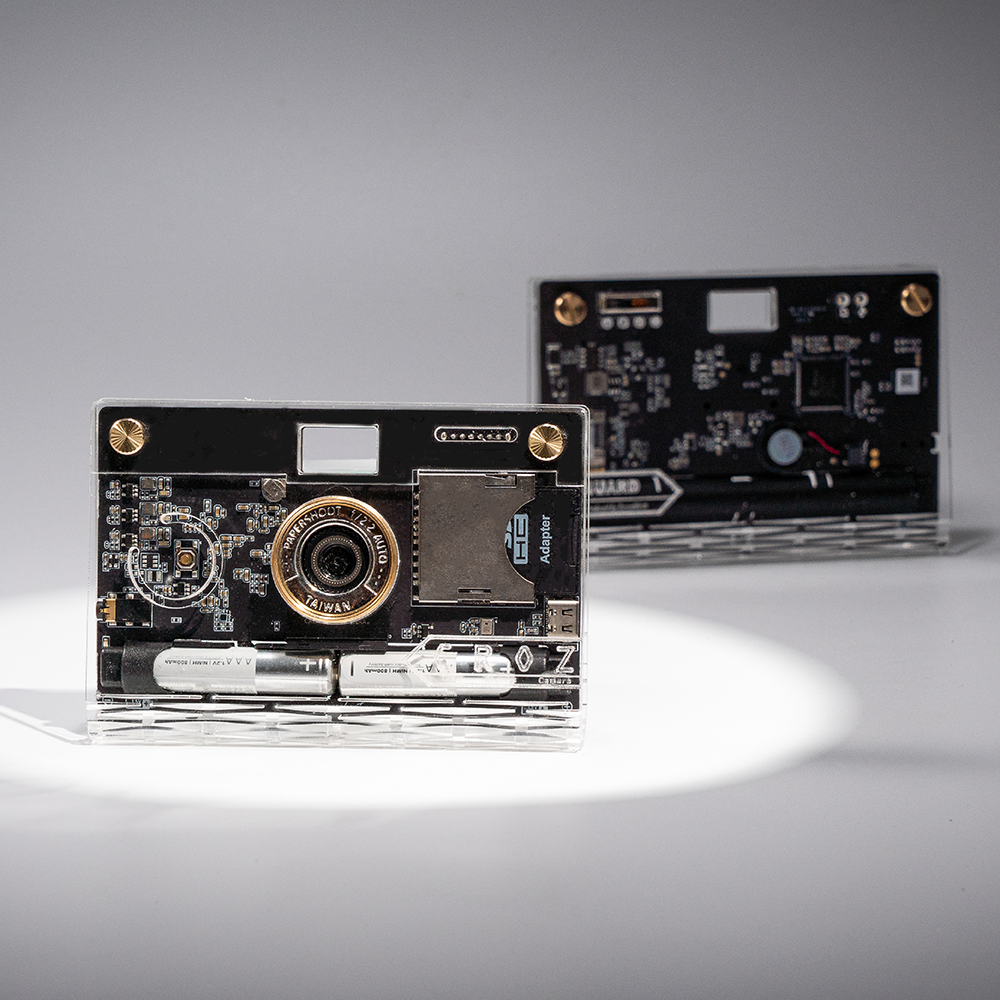
Please remove the battery film before installation and charge for 3 hours before use.
Please remove the protective surface sticker before using the Vanguard model.
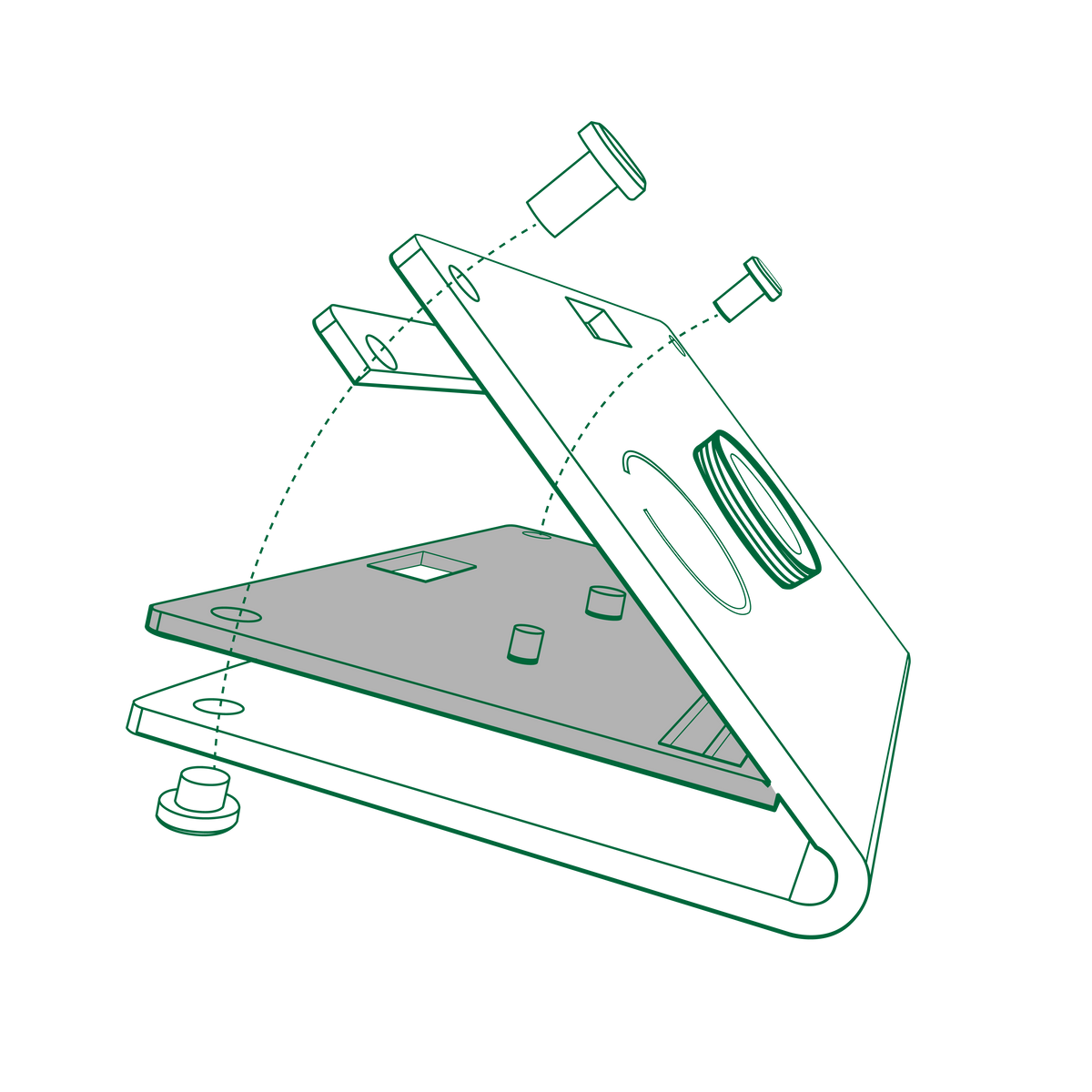
Open the case, and do not open it at an angle exceeding 30 degrees to prevent breakage.
Insert the camera, install the back case first, and align the back case with the switch to install.
When installing the front case please first place the gasket onto the front motherboard (you may skip this step if you find the shutter difficult to press).
Gently align the lens and then close the front case.
Install the included screw from the front of the box; the D-ring will be on the back of the camera.
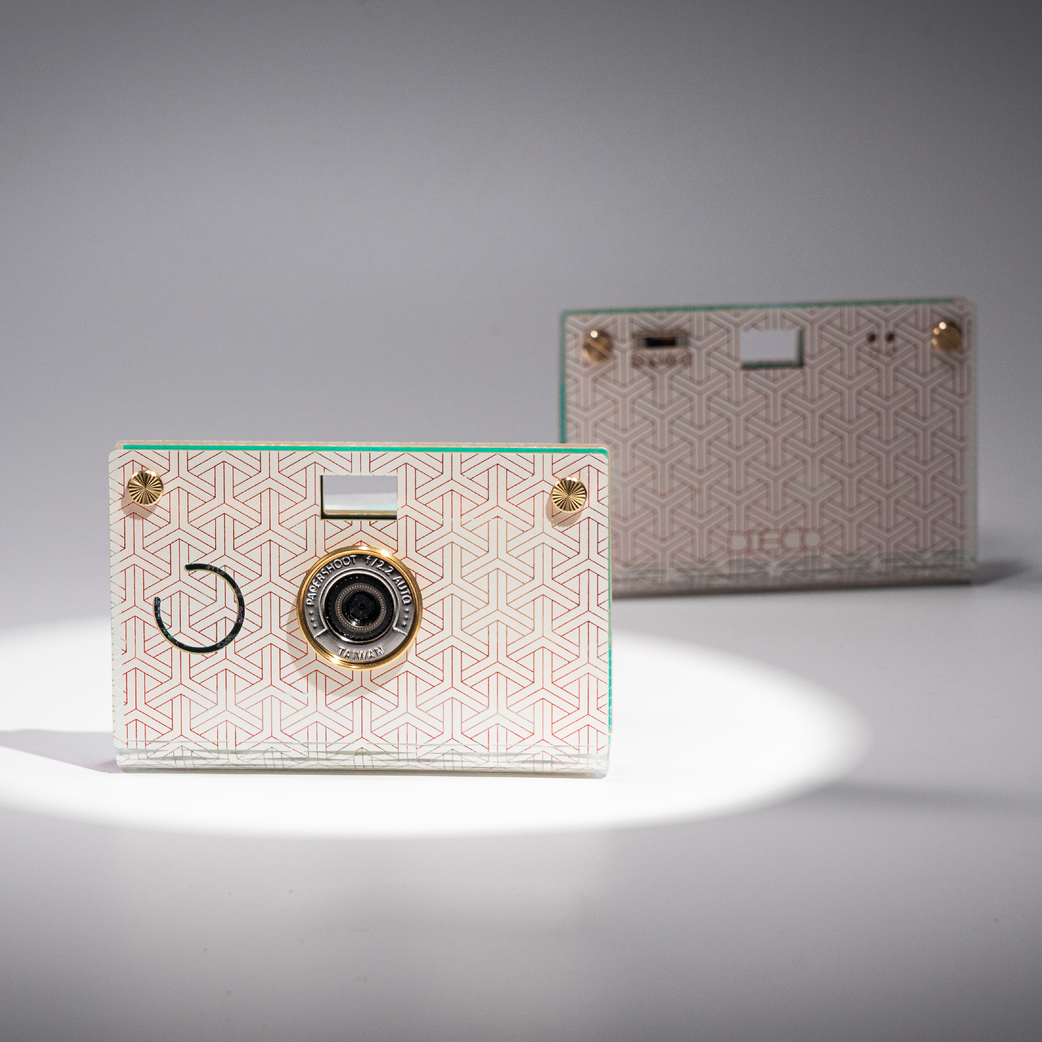
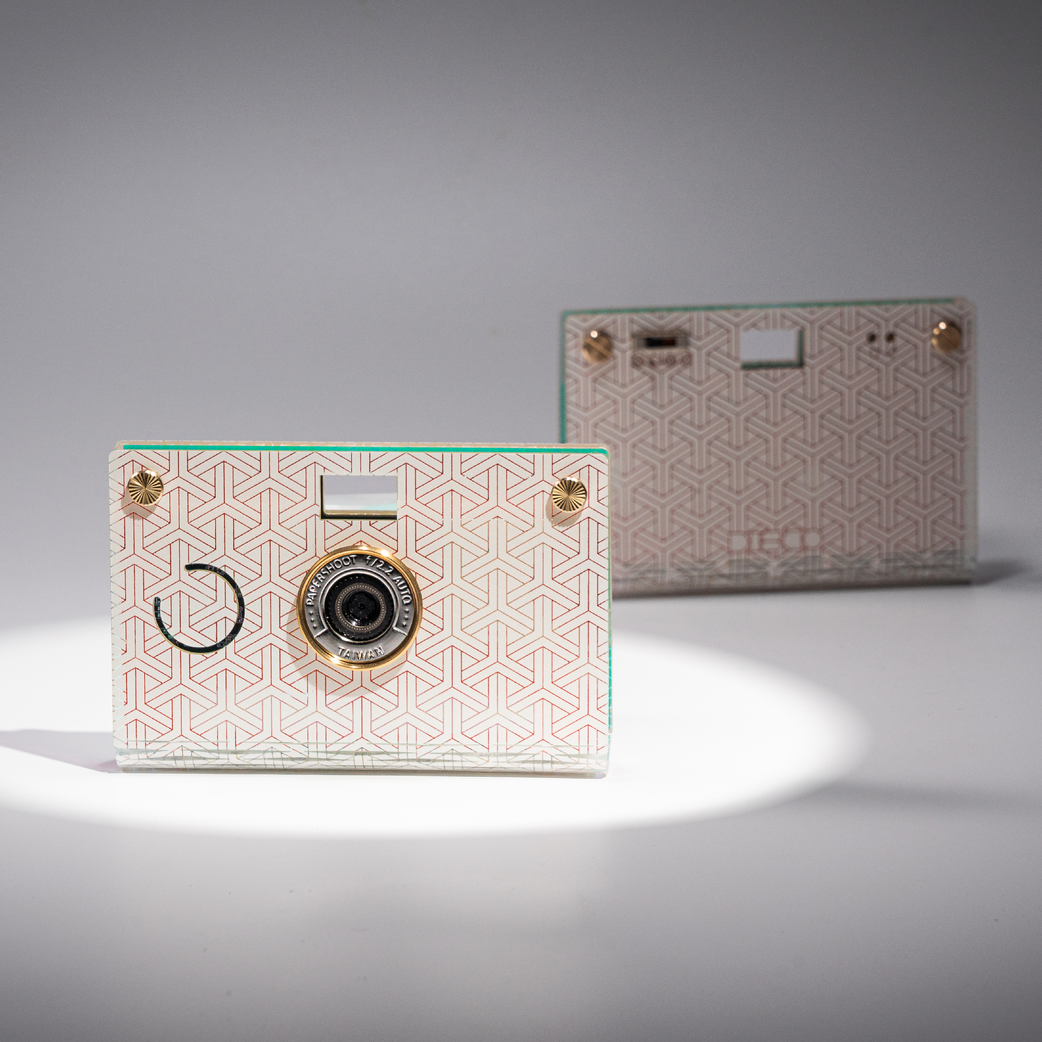
After installation, press the semicircular part on the front to start taking photos.